Log in to AI PreCheck, switch into the UAT environment, and open your Projects page to get started.
1. Log in to AI PreCheck
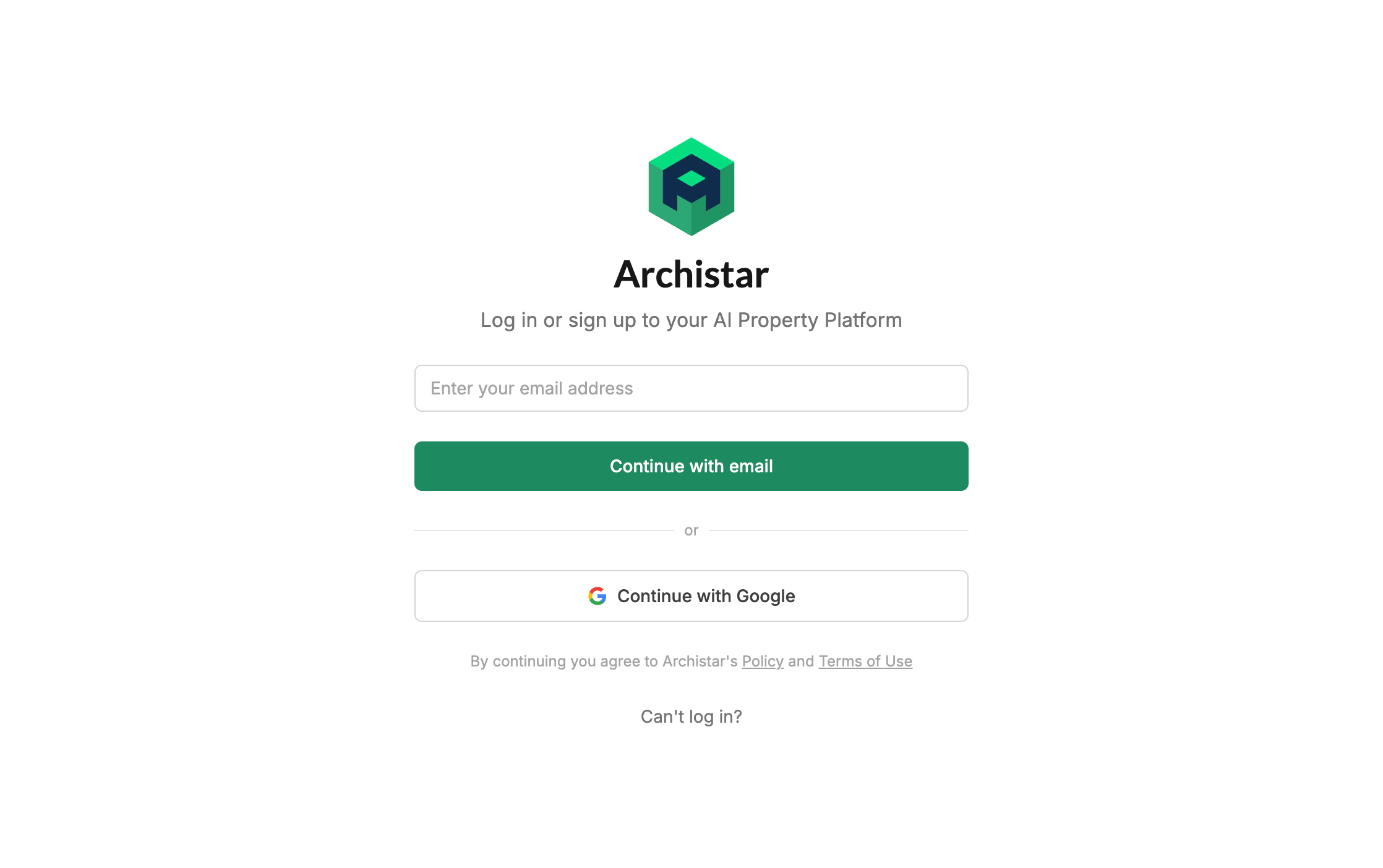
Section titled “1. Log in to AI PreCheck”Open the AI PreCheck system, enter your email address and click Continue with email. A one-time code is sent to your inbox – copy and paste it back into the prompt to access your projects.
The link to your Start Page will look like https://start.archistar.ai/<country>/<your-city>. We will provide you with a link via email.
2. Switch to UAT and open AI PreCheck
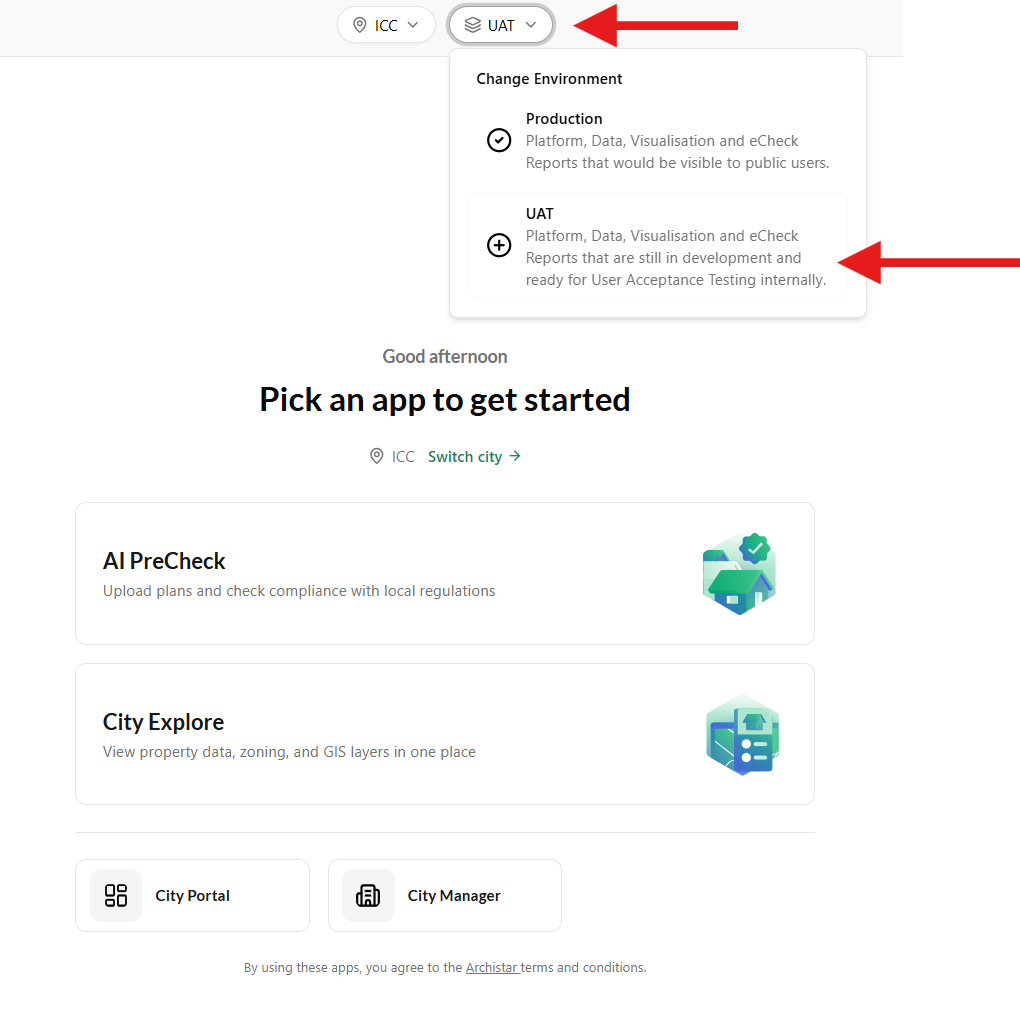
Section titled “2. Switch to UAT and open AI PreCheck”To access the new AI PreCheck tool, you will need to switch into the User Acceptance Testing (UAT) environment. You can do this by selecting the dropdown in the header as shown below.
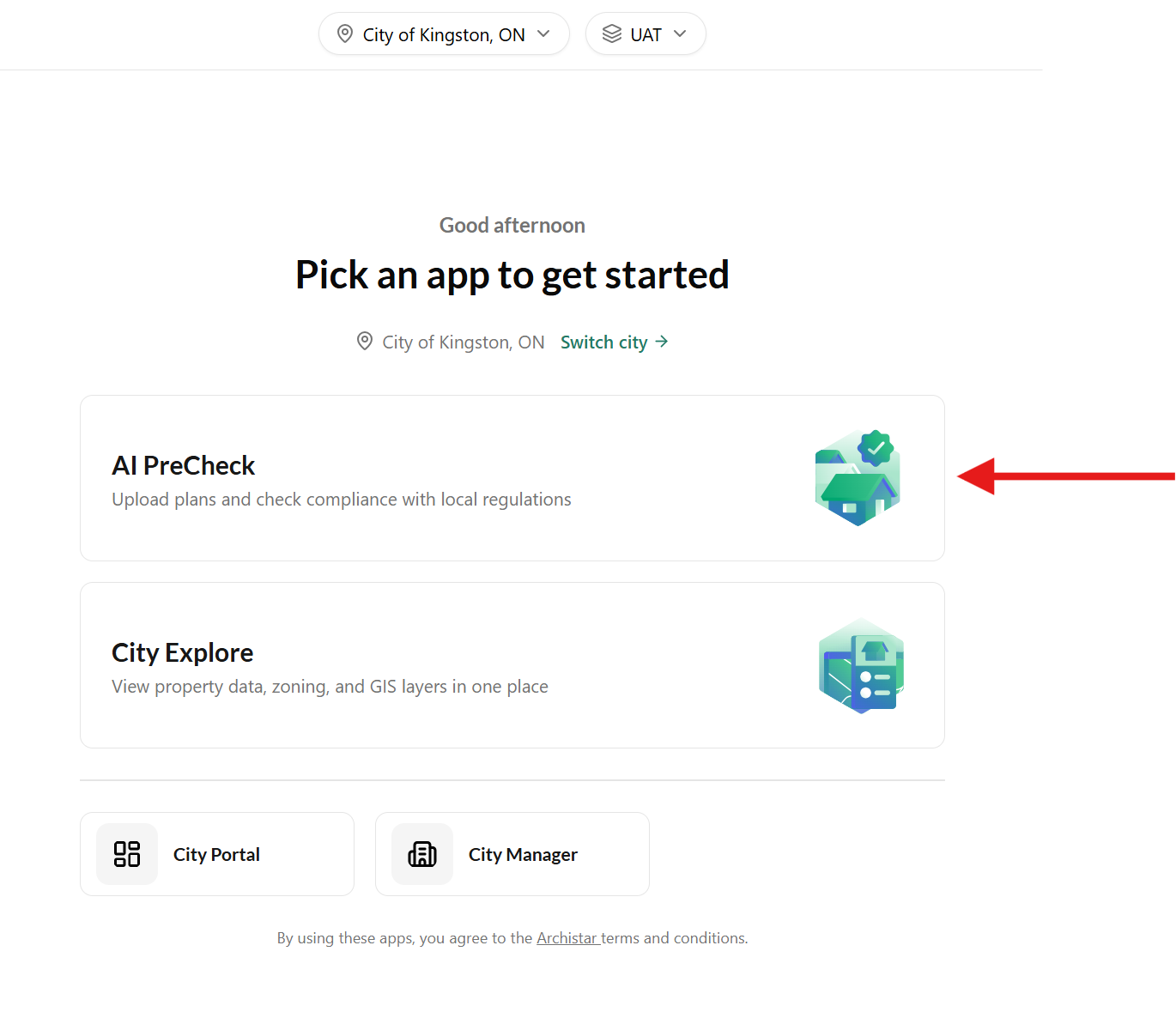
Depending on your access permissions and enabled features, you may see multiple apps when you first log in.
If your subscription includes AI PreCheck only, you will skip this screen and go directly to the next step.
Otherwise, select AI PreCheck to continue.
3. View your Projects page
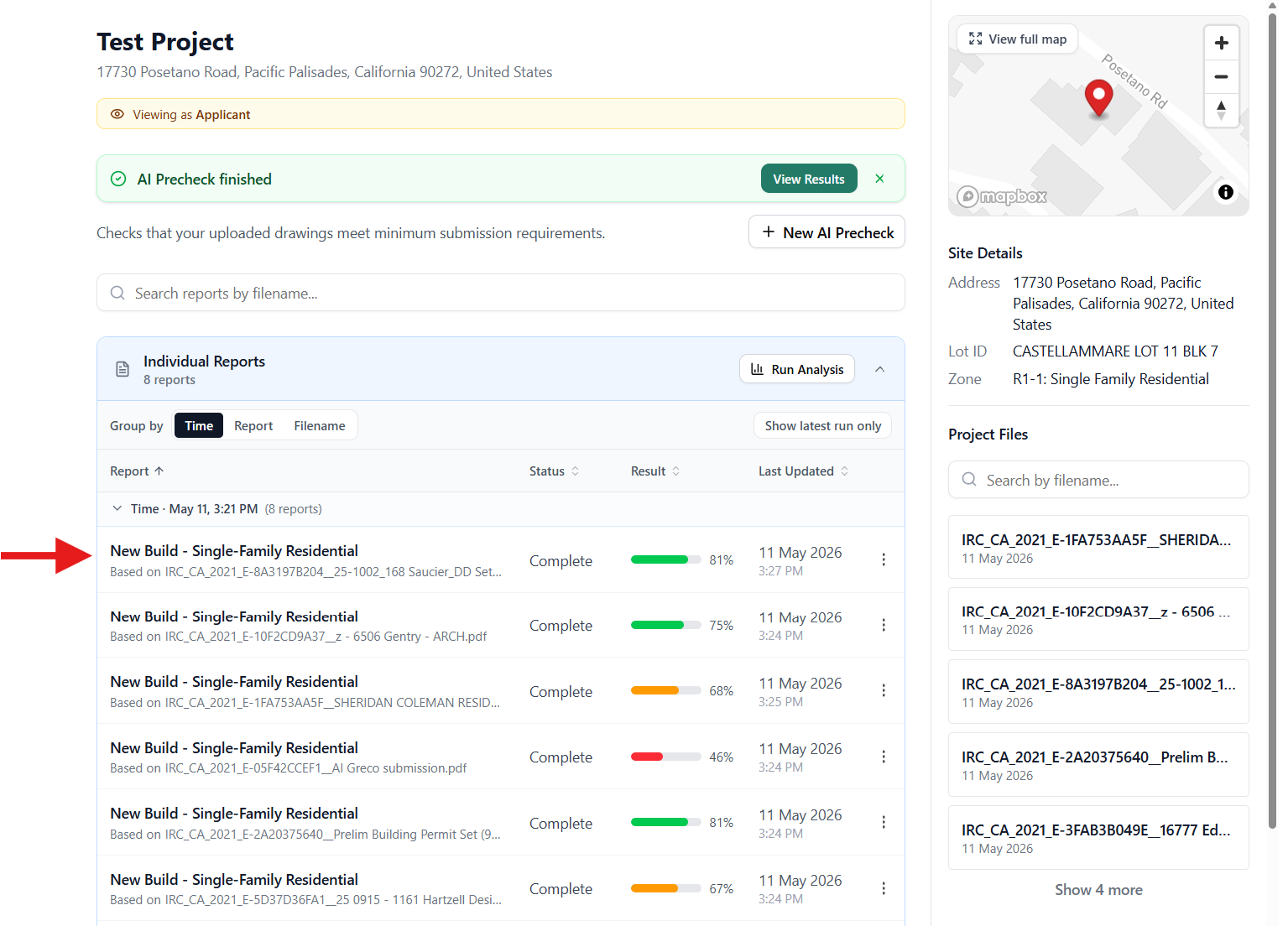
Section titled “3. View your Projects page”You will now see the All Projects page. Any projects you have previously run a PreCheck against are listed here. To begin a brand-new submission, click the + Start a new project button in the middle.